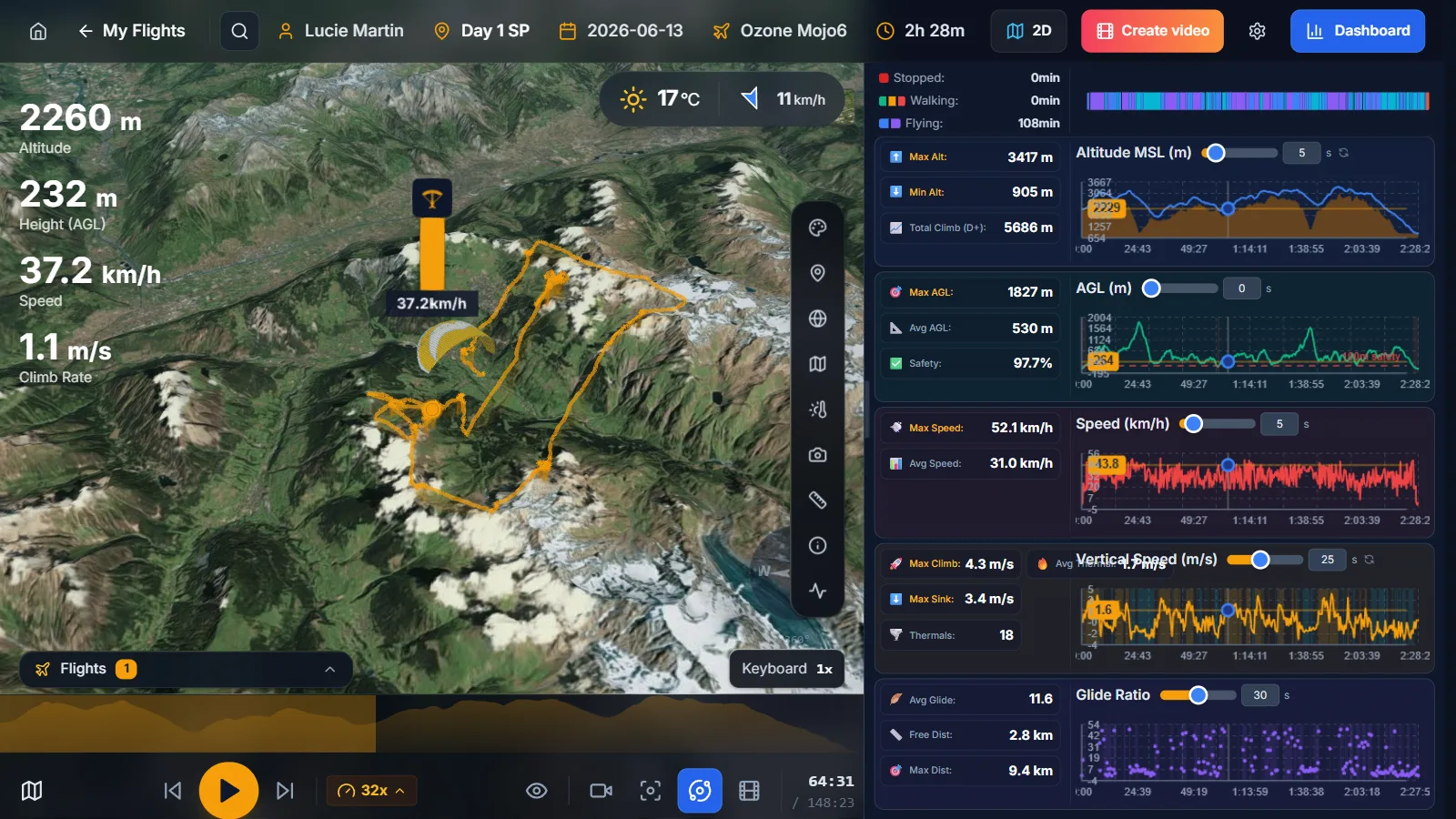
XCviewer turns your IGC file into a complete paragliding flight analysis. Altitude, speed, climb-rate and glide-ratio charts are linked to the 3D view, so hovering a chart moves your glider to that exact moment. Climb and glide statistics and XContest-style scoring show where you gained or lost time, and track colors reveal your best thermal cores and the sink you flew through.
What you get
- Linked altitude, speed, vario and glide-ratio charts.
- Climb and glide statistics computed from your track.
- XContest-style scoring for free distance, flat triangles and FAI triangles.
- Track colors by climb rate, altitude, speed or height above ground (Pro).
- Measuring tool for distances, bearings and glides between any two points (Pro).
Why pilots use it
- Spot where you lost height and which thermals were worth taking.
- Follow your progression from flight to flight with objective numbers.
- Debrief with your instructor or friends using the same data.
Related features
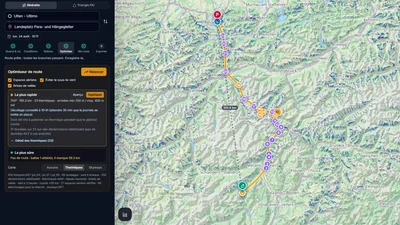
Route Optimizer
Place your turnpoints: XCviewer finds the best route and every climb for the day, the time and your glider.
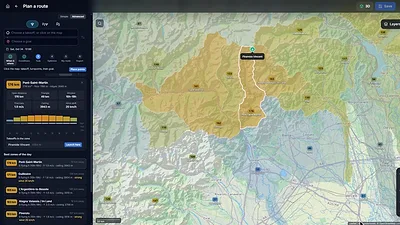
Where to Fly: XC Zones
The cross-country potential around you, day by day, for your glider: valley by valley in the Alps, in cells of about 25 km elsewhere.
Hike & Fly Planner
Plan X-Alps style days: fly when it works, walk when it is faster, relaunch from summits.